Why Event Delegation Makes JavaScript Faster
If you've ever attached click handlers to hundreds of DOM elements, you've probably created more work for the browser than necessary.
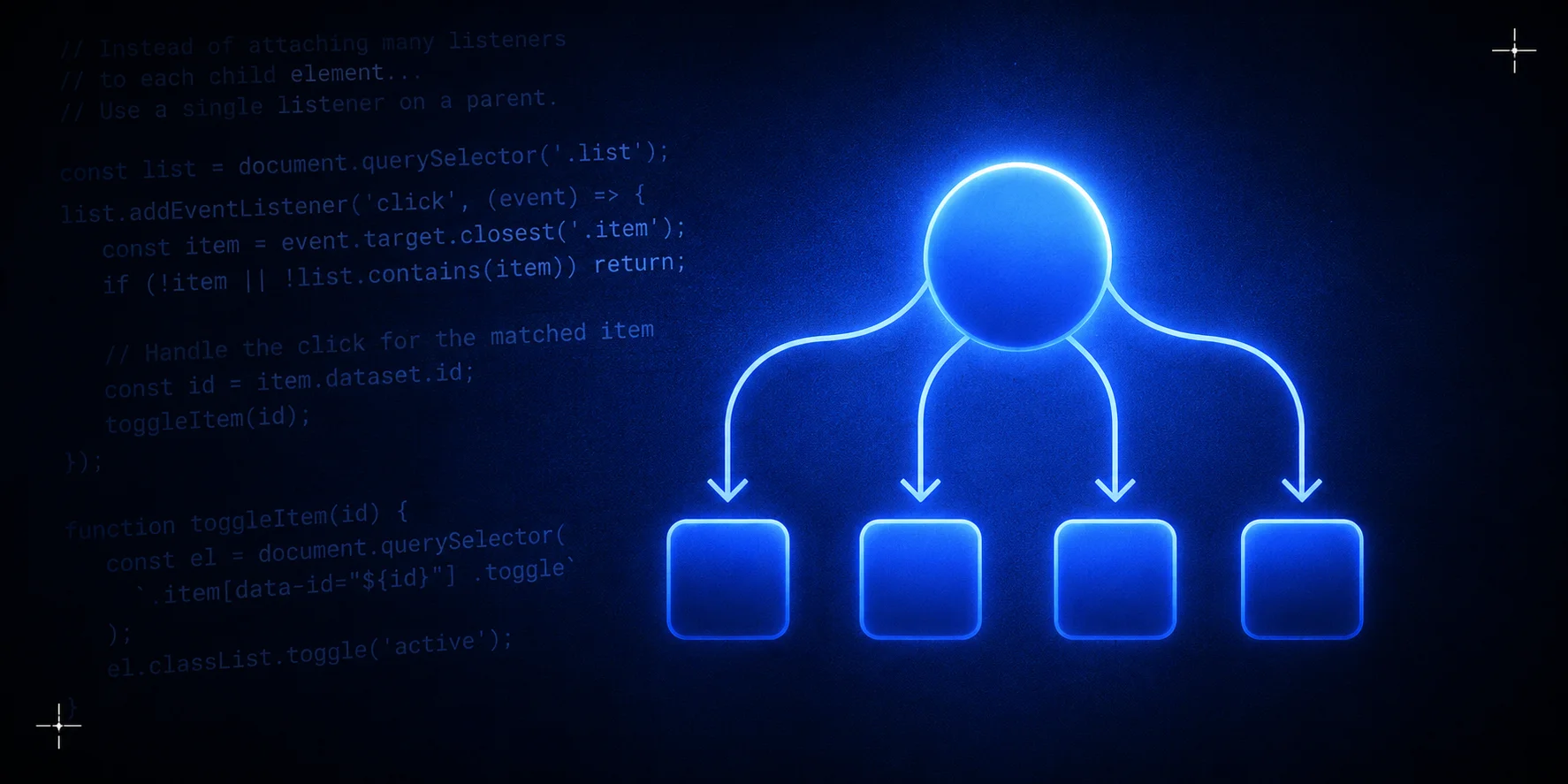
A better approach is event delegation, a pattern where a single event listener handles events for many child elements.
The problem
Imagine rendering a list with 1,000 buttons.
JavaScriptconst buttons = document.querySelectorAll(".delete-btn"); buttons.forEach((button) => { button.addEventListener("click", () => { console.log("Delete item"); }); });
This creates 1,000 separate event listeners.
Modern browsers handle this fine, but unnecessary listeners use more memory and are harder to maintain.
Event delegation
Attach a single listener to a parent element instead.
HTML<ul id="todo-list"> <li> Buy milk <button class="delete-btn">Delete</button> </li> <li> Learn JavaScript <button class="delete-btn">Delete</button> </li> </ul>
JavaScriptconst list = document.getElementById("todo-list"); list.addEventListener("click", (event) => { if (!event.target.matches(".delete-btn")) return; const item = event.target.closest("li"); item.remove(); });
Now you only need one event listener.
Why it works
Events in the browser bubble.
When you click a button, the event travels upward through the DOM tree.
button
   ↑
li
   ↑
ul
   ↑
body
   ↑
document
Your parent element can inspect the original target and decide what to do.
Dynamic content
Newly created elements work without extra listeners.
JavaScriptconst li = document.createElement("li"); li.innerHTML = ` New Task <button class="delete-btn">Delete</button> `; document.getElementById("todo-list").appendChild(li);
You don't need extra JavaScript for this.
Handling multiple actions
You can handle several buttons with one listener.
HTML<button data-action="edit">Edit</button> <button data-action="delete">Delete</button> <button data-action="share">Share</button>
JavaScriptdocument.body.addEventListener("click", (event) => { const action = event.target.dataset.action; switch (action) { case "edit": console.log("Editing..."); break; case "delete": console.log("Deleting..."); break; case "share": console.log("Sharing..."); break; } });
TypeScript version
TypeScriptconst list = document.querySelector<HTMLUListElement>("#todo-list"); list?.addEventListener("click", (event: MouseEvent) => { const target = event.target as HTMLElement; if (!target.matches(".delete-btn")) return; target.closest("li")?.remove(); });
Performance comparison
| Approach | Event Listeners | Dynamic Elements | Memory Usage |
|---|---|---|---|
| Individual Listeners | 1000 | ❌ Manual | Higher |
| Event Delegation | 1 | ✅ Automatic | Lower |
Best practices
- Delegate from the closest stable parent.
- Use
event.target.matches()orclosest()to identify elements. - Avoid delegating everything to
documentunless necessary. - Keep delegated handlers focused on one responsibility.
Common mistakes
Forgetting closest()
JavaScript// ❌ Might fail if an icon inside the button is clicked if (event.target.matches(".delete-btn")) { }
Instead:
JavaScript// ✅ Works for nested elements const button = event.target.closest(".delete-btn"); if (button) { console.log("Delete clicked"); }
Delegating too high
JavaScriptdocument.addEventListener("click", handleEverything);
This works, but you're better off delegating from a closer container so the handler doesn't process clicks it doesn't need to.
Conclusion
Event delegation uses less memory, handles dynamically added elements, and keeps your code easier to maintain. When you're attaching the same event to many similar elements, ask whether a single delegated listener can do the job instead.